01 Too many tools, no system.
Every week brings a new one. None of them fits into how you actually work.
Symptom 01Fixed in §3 · The workflow§3
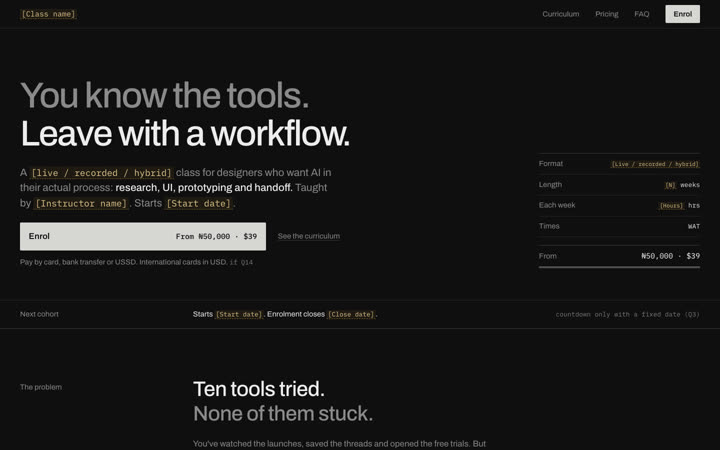
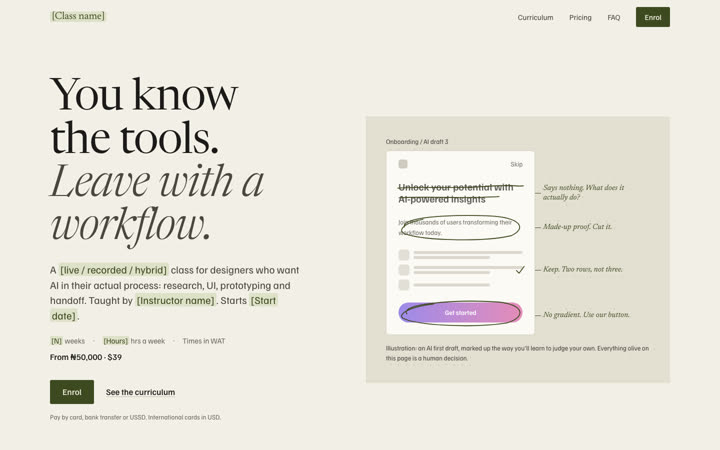
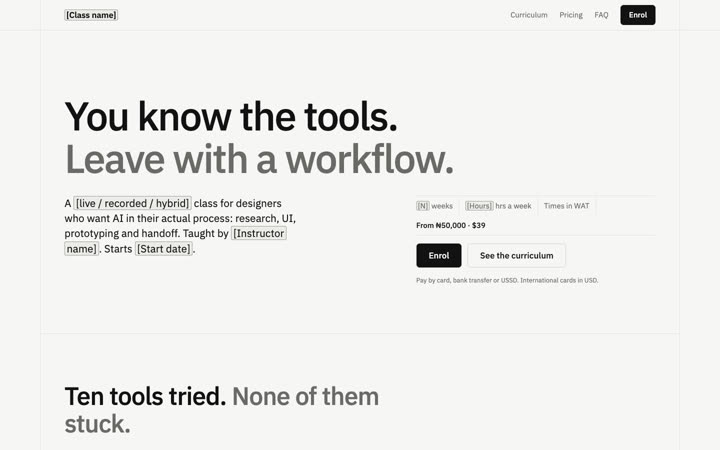
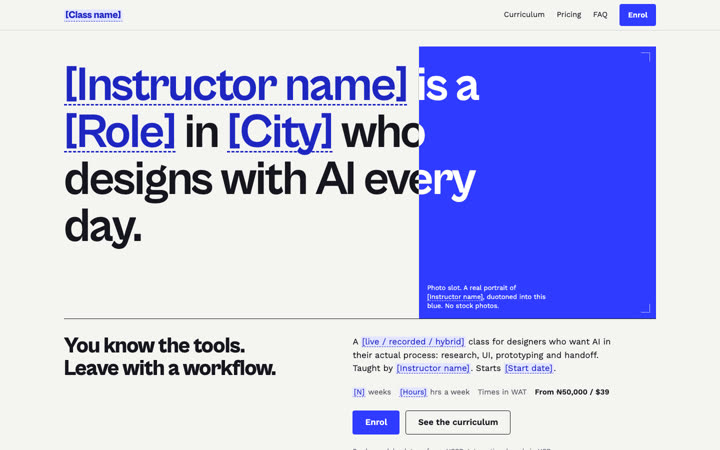
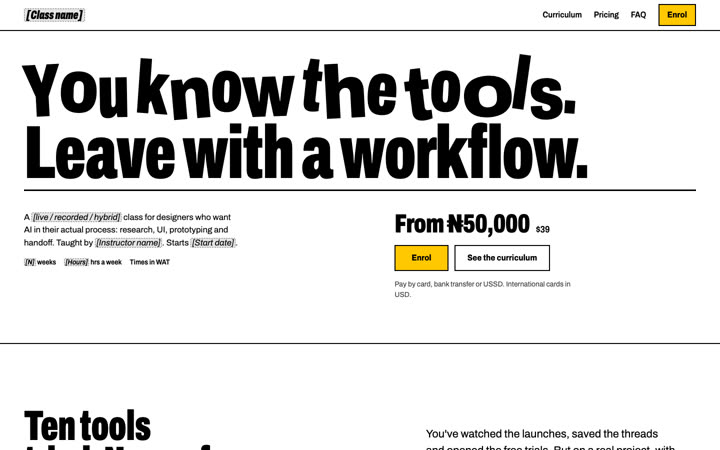
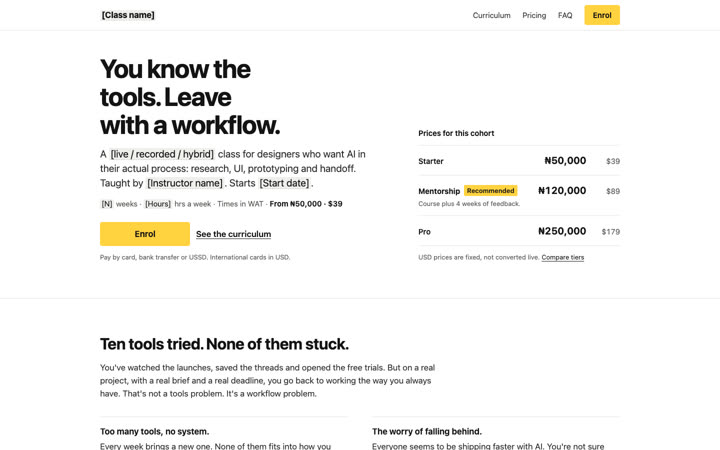
A recorded class for designers who want AI in their actual process: research, UI, prototyping and handoff. Starts Monday 9 November 2026.
The workflow this class teaches: research, ideation, UI, prototype, handoff and build. Pick a stage to open it in section 3.
§1 The problem
You’ve watched the launches, saved the threads and opened the free trials. But on a real project, with a real brief and a real deadline, you go back to working the way you always have. That’s not a tools problem. It’s a workflow problem.
01 Too many tools, no system.
Every week brings a new one. None of them fits into how you actually work.
Symptom 01Fixed in §3 · The workflow§3
02 The worry of falling behind.
Everyone seems to be shipping faster with AI. You’re not sure what they know that you don’t.
03 You can’t tell good output from bad.
AI gives you ten options in a minute. Knowing which one is right, and why, is the hard part.
Symptom 03Fixed in Module 4 · Judging the output4
04 The gap between design and build.
Your files stop at Figma. The people who can turn them into something working seem to be on the other side of a wall.
Symptom 04Fixed in Module 6 · Handoff and build6
§3 The workflow
Organised by design stage, not by tool. Tools change every month. The way you work holds.
You’ll be able toturn a messy brief into clear problems, user questions and a research plan you can act on.
Your call
You decide which findings are true and which are the model guessing.
You’ll be able toexplore many directions fast, then narrow to the few worth designing.
Your call
You pick the direction and can say why the others lost.
You’ll be able togo from a chosen direction to real screens that follow your system, not the model's defaults.
Your call
You critique, correct and reject output until it meets your standard.
You’ll be able toturn your screens into a clickable prototype you can test with people.
Your call
You decide what's ready to put in front of a user.
You’ll be able tohand over files a developer can use, or build a working version yourself where it makes sense.
Your call
You decide what gets built and what stays a design.
At every stage, AI does the heavy lifting. You do the judging.
Building with code is one stage of the workflow, not the whole class.
§4 Curriculum
8 recorded modules • 4 live reviews • about 6 hours of lessons
Brief to Build
Course
syllabus.
8 recorded modules · 4 live reviews · about 6 hours of lessons
Suggested pace: two modules a week, from Monday 9 November 2026. Every lesson opens on day one.
Vol. 0Drag the shelf
Week 1 · 9—15 Nov
0
Set-up: your workspace and your project
Choose the real project you’ll carry through the class. Set up the tools, accounts and files.
Module 0Recorded · 20 min
Week 1 · 9—15 Nov
1
Research with AI
Turn a brief into problems, questions and a plan. Summarise interviews and sources, and check what’s actually there.
Module 1Recorded · 45 min
Week 1 · Live
Nov12
Live review of your project
Thu 12 Nov · 7pm WAT · Google Meet
Mentorship + ProReview 1
Week 2 · 16—22 Nov
2
Ideation and directions
Generate and compare directions. Learn to narrow with reasons, not gut feel alone.
Module 2Recorded · 40 min
Week 2 · 16—22 Nov
3
UI with AI, on your system
Produce screens that follow your type, colour and components. Critique and correct the output.
Module 3Recorded · 60 min
Week 2 · Live
Nov19
Live review of your project
Thu 19 Nov · 7pm WAT · Google Meet
Mentorship + ProReview 2
Week 3 · 23—29 Nov
4
Judging the output
A working method for reviewing AI work: what to keep, fix or throw away, and how to explain the call.
Module 4Recorded · 45 min
Week 3 · 23—29 Nov
5
Prototype and test
Turn screens into a clickable prototype and put it in front of real people.
Module 5Recorded · 50 min
Week 3 · Live
Nov26
Live review of your project
Thu 26 Nov · 7pm WAT · Google Meet
Mentorship + ProReview 3
Week 4 · 30 Nov—6 Dec
6
Handoff and build
Prepare files for developers, or build a working version of your project.
Module 6Recorded · 60 min
Week 4 · 30 Nov—6 Dec
7
Your workflow, written down
Turn what you did into a repeatable workflow document you can reuse on the next project.
Module 7Recorded · 30 min
Week 4 · Live
Dec3
Live review of your project
Thu 3 Dec · 7pm WAT · Google Meet
Mentorship + ProReview 4
1 of 13: Course syllabus
§5 Proof of method
This site was planned, researched, designed and built using the workflow Brief to Build teaches: AI agents doing the heavy lifting, a designer making every call. Here’s the trail, including the options we threw away.
F-01
Documentation/03-prd-v2.md
A product requirements doc, written and then rewritten after research.
“The ladder is reordered: human time sits at the top, and resources are no longer a tier.”
Nothing here is a testimonial, metric or quote about our class, because none exists yet.
12 Oct 2026
v2 · supersedes v1
F-02
Research/02-market-research.md
21 competitor pages read and compared, prices and patterns logged.
“Recorded courses on Selar sell for ₦7k–₦20k. Full Lagos academies (beginner product design, often in person) cost ₦250k–₦700k.”
Only pages that actually loaded are profiled.
12 Oct 2026
21 competitors · failed pages not counted
F-03
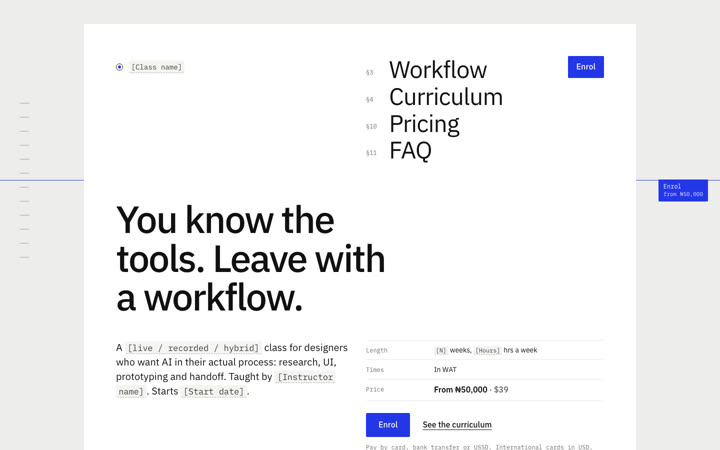
Directions/06-classification.md
Reference boards and visual directions, with the ones we rejected and why.
“The category convention we must not fall into: a centred sans H1, a rating chip, two pill buttons, a logo strip and a three-card pricing grid.”
Kept: D1 Field Manual. D5 + D4 was picked first, then dropped.
 Kept
Kept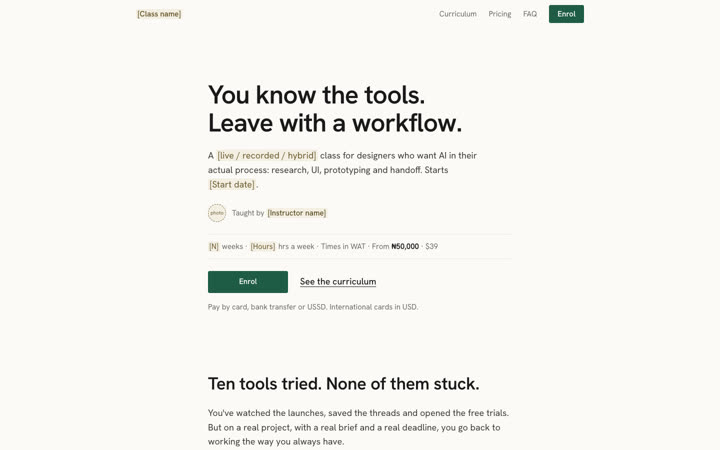 Not taken
 Not taken
 Not taken
 Not taken
 Not taken
 Not taken
 Not taken
12 Oct 2026
90 screenshots · 63 clips · 8 directions · 1 kept
F-04
site/QA.md
The page you’re reading, tested on a phone first.
“QA round 2: findings and outcomes (2026-10-12)”
24 findings logged in site/QA.md.
Back to the top of this page13 Oct 2026
Astro · tested at 375, 768 and 1280
Directed by Mikky. Researched, drafted and built with AI agents.
§7 How it works
Four weeks from Monday 9 November 2026. Every lesson opens on day one; the weeks below are a suggested pace.
Time each week
3–4 h a week
Your week, about 40 weekday waking hours class if you go deeper
About 3–4 hours, including your project work
Format
Recorded
Where
Google Meet for reviews, the class WhatsApp community for everything else
Access
Recordings and materials for 12 months
Updates
Materials updated for 12 months as tools change
§8 Who it’s for
§9 Cohort one
This is the first time Brief to Build runs, so there are no testimonials, ratings or student numbers on this page. What you can see is what you’ll leave with: a real project, a written workflow, and this letter and a certificate.
§9.1 Reviews
Shared with permission, under their own names. Hover or tap a photo to read what they said.
With this workflow I shipped a concept website for Lagos Life, built two products, and the third goes live this week. Mikky, Designer, Mikky Innovate
§10 Pricing
Every tier includes the full course and the core resources. Higher tiers add the instructor’s time, and that’s capped.
MentorshipRecommended
₦120,000$89, fixed
The course, plus 4 weeks of feedback on your own project.
Enrol in MentorshipAll 3 tiers
The course
Mentorship and Pro
Feedback on your project
Pro only
One-to-one with the instructor
Pay by card, bank transfer or USSD through Paystack.
USD prices are fixed, not converted live.
Format4
Fit3
Mentorship & Pro2
Paying2
Certificate & after2
Starts Monday 9 November 2026. Enrolment closes Friday 6 November 2026. 30 Mentorship seats, 10 Pro seats.
Secure payment by Paystack. · Credits
The tool marks shown (Claude, ChatGPT, Cursor, Figma) are decorative; no partnership is implied.
Bars are drawn to scale: each is as long as its section.